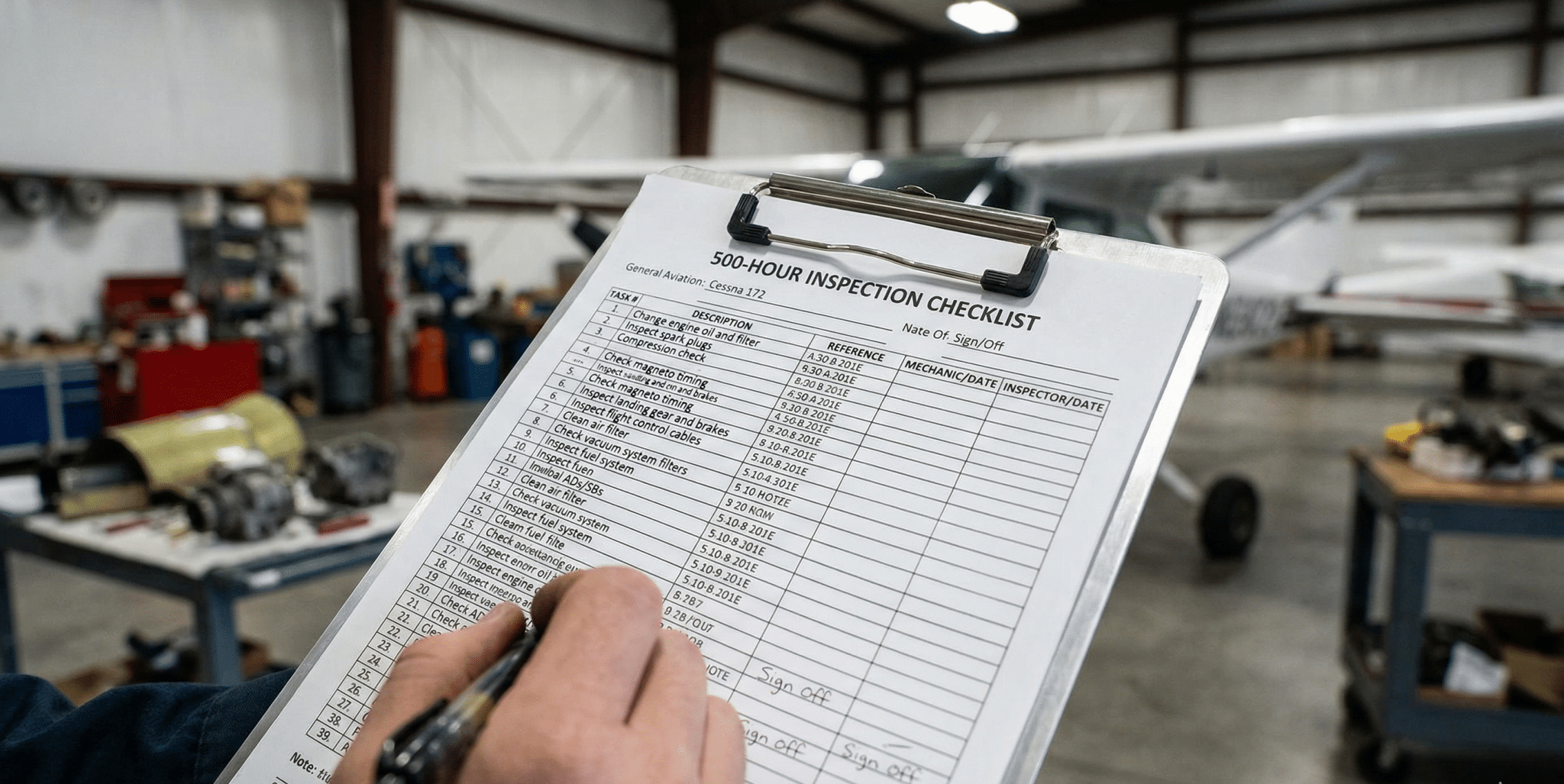
The 500-Hour Checklist
Compressor Now2026-06-08T13:25:29-07:00Why 500 Hours Matters
A step-by-step guide to the essential maintenance every rotary screw compressor needs
Maintaining a rotary screw compressor is a lot like maintaining a vehicle. If you treat it well, it’ll run for decades. If you ignore the small stuff, you’re looking at very expensive repairs if not a complete replacement.
At Compressors Now, we see it all the time: a machine that should have lasted 20 years fails at seven because of a missed service. That’s why the 500-hour mark is critical. Whether you just installed a brand-new unit or you’re running a seasoned machine, this 500-hour marker is your main defense against downtime.
Here is your essential step-by-step checklist to keep your air flowing and your costs down.
The Break-In Oil & Filter Swap
- Change the Oil Filter: Tiny contaminants can settle during the first few hundred hours. Change the filter to ensure the lubricant stays clean.
- Sample the Oil: If you aren’t doing a full oil change yet, it is still important to test the current oil. Pulling a sample can tell you if the “airend” is wearing correctly.
- Check the Scavenge Line: A small line that returns oil from the separator. If it’s clogged with debris or dirty oil, you’ll start seeing oil downstream in your tools.
Drive Train & Belt Tension
A slipping belt doesn’t just make a loud squeal. When not operating properly, it loses energy and generates heat that can warp your bearings.
- Inspect Belts: Look for “glazing” (a shiny appearance), cracks, or fraying edges.
- Check Tension: Use a tension gauge or the “thumb press” method recommended in your manufacturer’s manual.
- Coupling Inspection: Check the rubber coupling element for “dusting”—this is a sign of misalignment.
The “Cooling Breath” Check
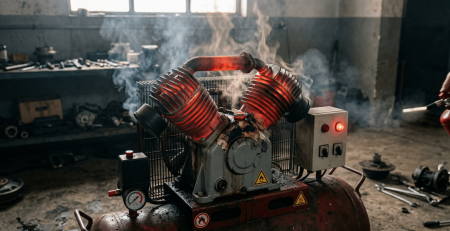
Screws generate a massive amount of heat. If that heat isn’t dissipated, the oil thins and the compressor shuts down on a high-temp alarm.
- Clean the Coolers: Use compressed air, blowing in the opposite direction of normal airflow to clear dust.
- Pre-Filters: If your cabinet has intake filters, replace them as recommended. A “suffocating” compressor uses significantly more electricity and can cause future damage.
Condensate & Drainage
Water is the enemy of your bearings and your end-use tools.
- Test Auto-Drains: Manually trigger your electronic or zero-loss drains to ensure they aren’t stuck.
- Check the Oil/Water Separator: Ensure your condensate management system is functioning so you aren’t accidentally dumping oil into the local sewer line.
Electrical & Control Integrity
Vibration monitoring is critical to your compressor. Over 500 hours, that vibration can loosen electrical terminals.
- Tighten Connections: With the power locked out, check the lugs on the starter and motor.
- Verify Readings: Ensure the pressure and temperature displayed on the controller match your manual gauges.